Goofy Ahh Minecraft Meaning Memes and Safe Play 2026
Goofy ahh Minecraft is an informal meme phrase for Minecraft content that looks absurd, awkward, chaotic, or deliberately silly. It is not the name of an official Minecraft edition, game mode, or feature. Players commonly use it as a caption or joke about strange builds, cursed-looking mobs, bizarre resource packs, funny roleplay clips, and worlds where normal Minecraft logic seems to have disappeared.
The phrase is usually playful rather than technical. Its meaning depends on tone: friends may use it affectionately for a ridiculous creation, while it can also be a mild put-down for something they think looks low-effort or odd.
What does “goofy ahh” mean?
“Goofy ahh” is internet slang meaning very goofy, ridiculous, or silly. The word “ahh” is a censored, altered spelling of a stronger word that is sometimes used for emphasis in casual speech. Online, it often appears in phrases such as “goofy ahh outfit” or “goofy ahh house.”
In Minecraft, the phrase changes the target, not the basic meaning. A player might call a lopsided dirt mansion, an oddly stretched villager, or a chaotic custom map “goofy ahh Minecraft.” It signals that the result is funny because it is unusual or doesn’t meet normal expectations.
How goofy ahh Minecraft is used in memes
Minecraft’s blocky visuals, open-ended building system, and huge modding community make it especially suited to surreal jokes. A serious survival world can quickly become a comedy clip when a texture is distorted, a command produces an unexpected effect, or friends build something intentionally ridiculous.
Common examples include:
- Odd builds: tiny houses with enormous doors, crooked castles, or impractical redstone machines.
- Visual glitches and unusual angles: moments that make a mob, player model, or structure look strange.
- Resource packs: changed textures, sounds, fonts, or animations that create a comic effect.
- Mods and add-ons: unofficial content that adds strange creatures, items, physics, or challenges.
- Edited videos: sound effects, captions, zooms, and cuts that make an ordinary moment seem absurd.
- Roleplay and multiplayer chaos: friends improvising jokes, using nicknames, or setting deliberately silly rules.
Sometimes the phrase describes a genuine bug. More often, it is part of the joke, even when the world is functioning exactly as intended.
Goofy Ahh Minecraft is not an official download
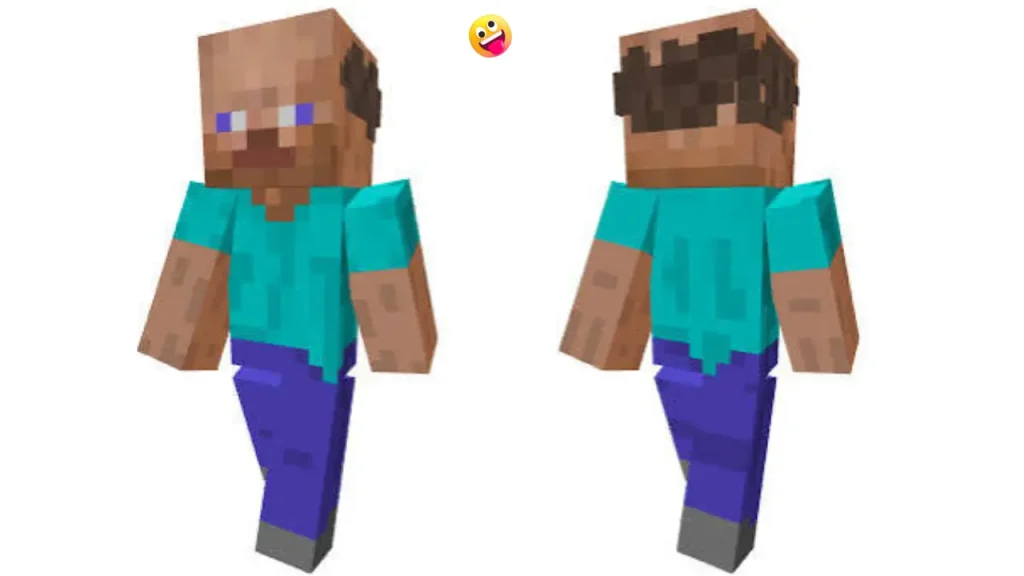
There is no single official product called Goofy Ahh Minecraft. The phrase can appear in video titles, social posts, custom maps, server names, mod-pack names, and download listings. Those uses do not mean the files are made by Mojang or are safe to install.
That distinction matters because unofficial Minecraft downloads can vary greatly. A meme video may only show edits made for entertainment, while a listing with a similar title may contain a world save, a texture pack, a mod, or nothing related to the video at all. Treat each item as a separate, unverified creation.
Why the phrase fits Minecraft so well
The humor comes from contrast. Minecraft has familiar rules: blocks stack neatly, mobs have recognizable shapes, and players expect tools, villages, and terrain to behave in certain ways. A joke becomes memorable when one of those expectations is broken.
For example, a player may encounter a house shaped like a giant face, a village redesigned into a maze, or a texture pack that makes ordinary items look wildly out of place. The object does not need to be objectively bad. It only needs to look funny in a way that clashes with the usual Minecraft experience.
The slang also makes room for low-stakes creativity. Not every build needs to be polished or realistic. Calling something goofy can celebrate the fact that it is memorable, experimental, and shared for a laugh.
Unsafe Downloads
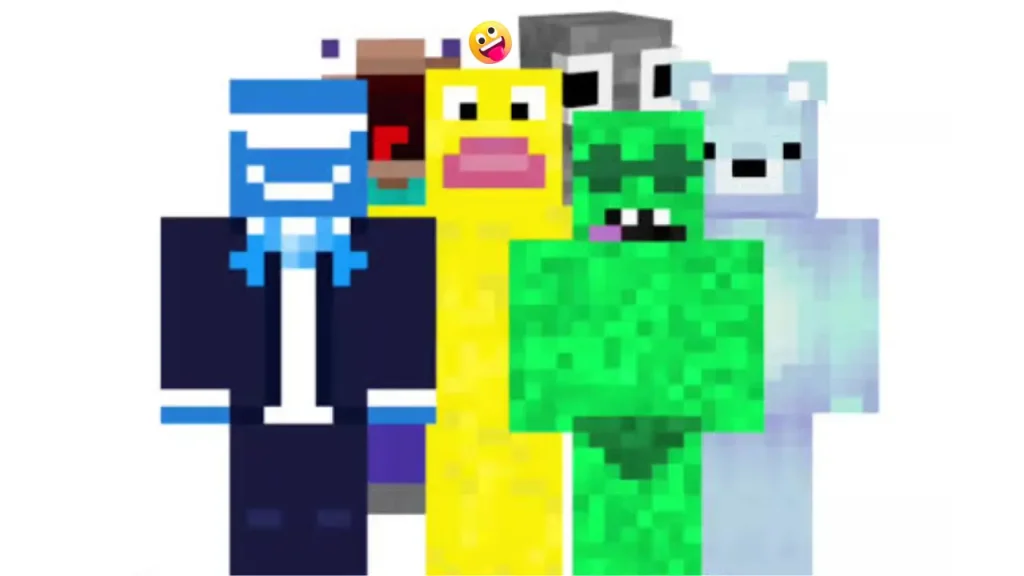
You do not need to install a mystery file to make a funny world. A new creative world, a few friends, and a simple rule can be enough. The safest approach is to use features already available in the version of Minecraft you own.
- Choose a clear joke idea. Build a house using only one unusual block, turn a harmless mob into the theme of a town, or make every room in a base unnecessarily large.
- Use Creative mode for building experiments. It removes the need to gather materials and makes it easier to undo mistakes.
- Set playful limits. Try building with a restricted palette, making a base with no straight corridors, or giving each player a strange building prompt.
- Keep a backup of important worlds. If you experiment with commands, add-ons, or multiplayer settings, a copy lets you return to the original world.
- Make the joke clear through signs or a short tour. A funny creation is easier for others to understand when its odd rule is visible.
For multiplayer games, agree on boundaries before altering shared areas. What is hilarious in a private joke world can be frustrating if it destroys someone else’s long-term build.
Be careful with mods
Community creations can be enjoyable, but meme labels are not a safety check. Before adding unofficial content, identify what it actually is and whether it matches your Minecraft platform and version. Java Edition mods, Bedrock add-ons, resource packs, and world files use different systems and are not automatically interchangeable.
- Use well-known community sources or the official in-game marketplace where applicable.
- Read the creator’s instructions and compatibility notes before installing anything.
- Avoid files that ask for unrelated software, passwords, account details, or permission to disable security tools.
- Scan downloaded files with your device’s security software when appropriate.
- Back up worlds before loading a new add-on, mod, or map.
- Use a unique, strong password for your game account and never share account credentials with a server or download site.
Parents and guardians may want to review multiplayer settings and server communities with younger players. Server rules, chat moderation, and privacy practices differ from one community to another.
When “goofy” becomes criticism
Slang is highly tone-dependent. Among friends, “goofy ahh Minecraft” may be praise for an entertainingly weird build. Directed at a stranger’s work, it can sound dismissive. A good rule is to make the joke about a situation, a fictional object, or your own creation rather than use it to embarrass another player.
If someone shares a build they are proud of, specific feedback is usually better: mention what works, then suggest one improvement if they asked for advice. Minecraft has room for both careful design and complete nonsense.
Frequently asked questions
Is Goofy Ahh Minecraft a real Minecraft version?
No. It is generally meme slang, not an official version or game mode. A file or server using that name is an unofficial community item and should be checked carefully before use.
What does “goofy ahh” mean in a Minecraft comment?
It usually means the commenter finds something unusually silly, weird, or funny. The exact tone can range from affectionate teasing to criticism depending on the context.
Can I play goofy Minecraft with friends without mods?
Yes. Creative building challenges, funny skins that everyone agrees to use, odd house rules, and humorous roleplay can create the same kind of experience without installing extra files.
Are goofy Minecraft mods safe?
A funny title does not establish safety. Check the creator, the hosting source, compatibility information, and permissions, and make a backup before adding unofficial content to a world.
Is the phrase appropriate for every audience?
Not always. “Ahh” is a softened internet spelling, but some people may still view it as crude. Plain alternatives such as “silly Minecraft,” “weird Minecraft,” or “funny Minecraft” work well in family-friendly settings.
Bottom line
Goofy ahh Minecraft describes the silly, surreal side of Minecraft rather than a separate game. It can refer to a strange build, a chaotic clip, a modded oddity, or a joke world with friends. Enjoy the humor, but do not assume that a similarly named download or server is official or safe; make backups and check unofficial content before installing it.